
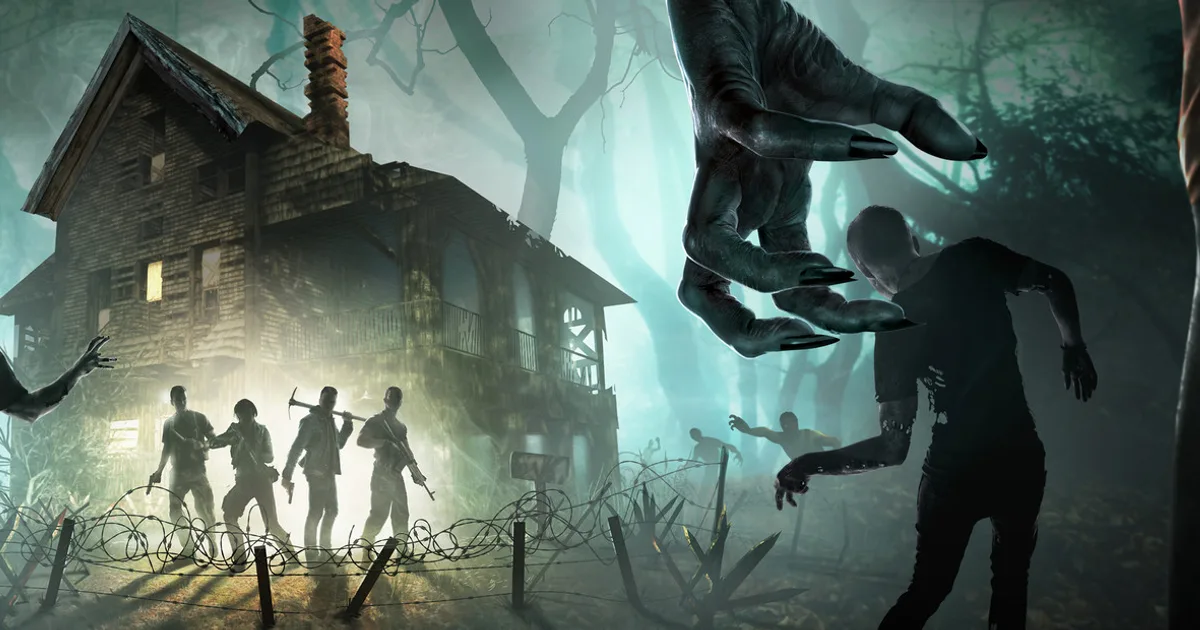
How to Set Up a 7 Days to Die Server and Survive Blood Moon
Install a 7 Days to Die dedicated server on a Linux VDS: serverconfig.xml, blood moon zombie counts, mods and the settings that decide performance.
How to Set Up a 7 Days to Die Server and Survive Blood Moon
A 7 Days to Die server is not tested on ordinary days. It is tested on the seventh night, during the blood moon horde. This guide covers the install and the settings that control that load.
1. Preparing the System
sudo apt update && sudo apt upgrade -y
sudo dpkg --add-architecture i386
sudo apt update
sudo apt install -y lib32gcc-s1 telnet curl tar
sudo useradd -m -s /bin/bash sdtd
sudo su - sdtd2. Server Files
The App ID for the 7 Days to Die dedicated server is 294420:
mkdir -p ~/steamcmd && cd ~/steamcmd
curl -sqL "https://steamcdn-a.akamaihd.net/client/installer/steamcmd_linux.tar.gz" | tar zxvf -
./steamcmd.sh +force_install_dir ~/sdtd-server +login anonymous +app_update 294420 validate +quit3. serverconfig.xml: the Settings That Matter
The serverconfig.xml file in the server directory decides your performance:
<property name="ServerName" value="Your Server Name"/>
<property name="ServerPassword" value=""/>
<property name="ServerMaxPlayerCount" value="16"/>
<property name="ServerPort" value="26900"/>
<property name="GameWorld" value="Navezgane"/>
<property name="MaxSpawnedZombies" value="60"/>
<property name="BloodMoonEnemyCount" value="8"/>
<property name="LandClaimCount" value="3"/>| Setting | Performance impact |
|---|---|
| MaxSpawnedZombies | Total zombies simulated at once; the biggest factor |
| BloodMoonEnemyCount | Zombies per player during a blood moon |
| ServerMaxPlayerCount | Number of regions loaded, one set per player |
⚠️ Think of
BloodMoonEnemyCountmultiplied by your player count: on a 16 player server, a value of 8 means 128 active zombies during the blood moon.
4. Ports
| Port | Protocol | Purpose |
|---|---|---|
| 26900 | TCP/UDP | Game traffic |
| 26901-26902 | UDP | Additional game ports |
| 8080 | TCP | Web admin panel (optional) |
sudo ufw allow 26900:26902/tcp
sudo ufw allow 26900:26902/udp5. systemd Service
[Unit]
Description=7 Days to Die Server
After=network.target
[Service]
Type=simple
User=sdtd
WorkingDirectory=/home/sdtd/sdtd-server
ExecStart=/home/sdtd/sdtd-server/startserver.sh -configfile=serverconfig.xml
Restart=on-failure
RestartSec=15
[Install]
WantedBy=multi-user.target6. Installing Mods
Mod files go into the Mods/ directory. Large overhauls like Darkness Falls and Undead Legacy:
- Require players to install the same mod
- Raise memory consumption noticeably
- Make world generation take longer
💡 If you plan to run a large mod pack, move your hardware plan one tier above what you calculated for vanilla.
7. Pre Blood Moon Checklist
- Is at least 30% of server memory still free?
- Does
MaxSpawnedZombiesmatch what your hardware can handle? - Does the automatic restart avoid the blood moon hour?
- Is there a fresh backup?
8. Backups
tar czf /backup/sdtd_$(date +%F).tar.gz ~/.local/share/7DaysToDie/SavesConclusion
On a 7 Days to Die server, capacity planning is done for blood moon night. Zombie count settings and processor headroom are the two variables that decide whether the server holds up. Size your game server package for that peak, not for the average load.
👉 See our 7 Days to Die server hosting page to match a package.