A separate machine, a real backup
A copy independent of your production server
Your backups sit on a machine entirely separate from production. When a disk failure, a wrong command or a corrupted database hits the original, the copy is safe.
Some systems are having problems. Open the status page
A backup on the same machine is not a backup: offsite copies on a separate server in Turkey.

The most common backup mistake is keeping the copy on the machine you are backing up. A disk failure, a mistyped delete or a corrupted database takes the original and the backup at the same time. A meaningful strategy puts the copy on another server.
The second common mistake is never testing restores. A script that runs faithfully every night is only an assumption until a restore has been tried. A dedicated backup server also lets you rehearse restores without risking production.
What decides a backup server is not CPU but disk space and network. That is why we recommend economical plans with generous NVMe SSD storage rather than expensive high-core ones. Internal traffic between your servers is not billed.
Setup guide How to Install and Use Docker on a VDS: Beginner Guide
Your backups sit on a machine entirely separate from production. When a disk failure, a wrong command or a corrupted database hits the original, the copy is safe.

Enterprise NVMe SSD speeds up both the overnight backup stream and the restore you need in a crisis. Choose from 60 GB up to 640 GB of storage.
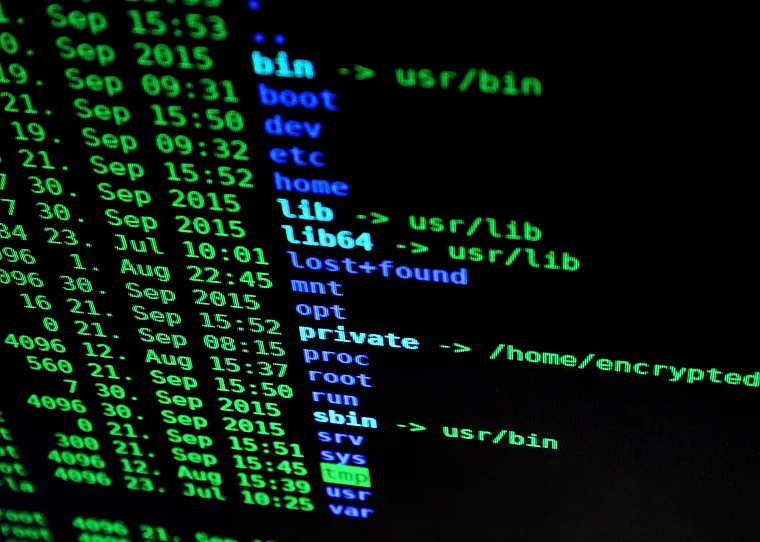
Connect as root. Install rsync, restic, borg or your own script, take encrypted backups and set your own retention policy. No panel restrictions.
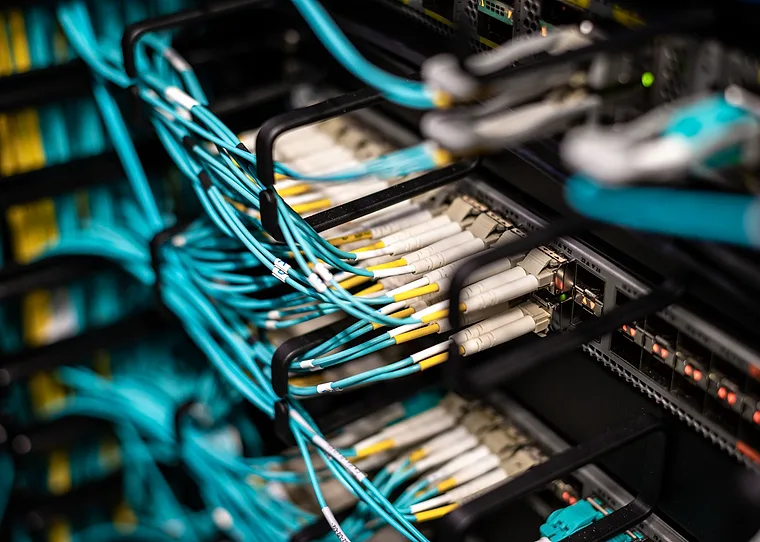
Your servers sit in the Datacasa data centre in Istanbul. If your other servers are with us, backup traffic runs over the internal network unbilled, and your data stays within Turkey.
Disk space decides on a backup server. With compression and incremental backups, smaller plans go a long way.
| Backup size | Plan | Hardware | Monthly | Note | Order |
|---|---|---|---|---|---|
| Up to 60 GB | ENT-3 | 4 vCPU · 6 GB DDR4 ECC · 60 GB NVMe | ₺320 | Borg's index needs 0.3 GiB for 1 TiB and a million files, so memory is not the bottleneck here | Buy now |
| Up to 160 GB recommended | ENT-7 | 12 vCPU · 16 GB DDR4 ECC · 160 GB NVMe | ₺800 | rclone needs roughly 1 GB of memory to list a million objects | Buy now |
| Up to 320 GB | ENT-8 | 20 vCPU · 32 GB DDR4 ECC · 320 GB NVMe | ₺1.280 | Long retention grows the file count, and Borg adds 240 bytes of memory per file | Buy now |
| Up to 640 GB | ENT-9 | 24 vCPU · 64 GB DDR4 ECC · 640 GB NVMe | ₺2.560 | Borg's local cache wants a few GB of disk, and the compression level decides the CPU load | Buy now |
Every plan includes a 10 Gbps uplink, DDR4 ECC memory and NVMe SSD storage. Internal traffic between your servers is not billed.
Disk space rather than CPU decides here, so we recommend the Xeon Enterprise line with its generous storage.
A selection of technical articles from our blog.
Build a real backup routine on a Linux VDS: bash scripts, database dumps, incremental rsync, cron scheduling, offsite copies and restore verification.
Install Docker on a Linux VDS, run your first containers, orchestrate services with Docker Compose and deploy a web app, step by step.
Set up a Windows Server VDS the right way: RDP access, firewall rules in PowerShell, trial license extension, IIS installation and performance tuning.
Common questions
Your server is ready 60 seconds after payment. Use code W10 for 10% off your first order.
Our support team is here to assist you with any questions or issues you may have. Contact us via phone, email, or visit our office during business hours.