Latency Do not guess your ping, measure it Our servers are in the Istanbul location. The value here is not taken from a table; it is measured from your own connection right now.
WB-IST-1 Live Connectionmeasuring

What a Windows VDS is, and who it suits

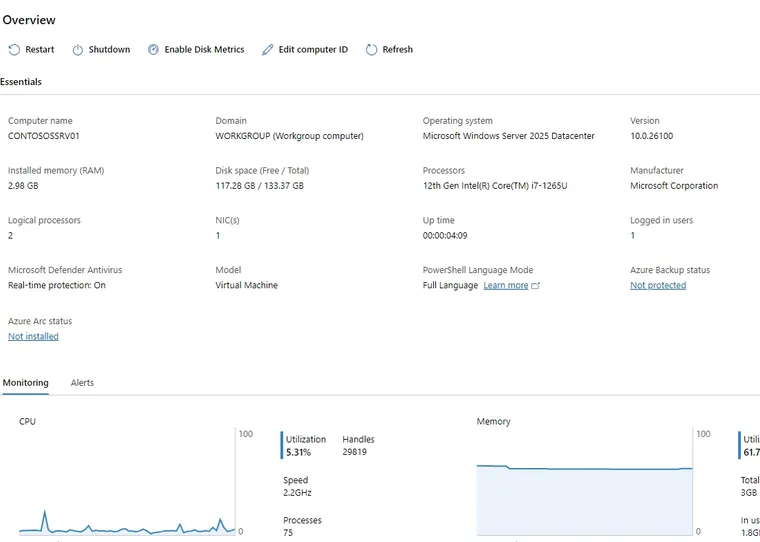
A Windows VDS is a machine running on a physical server in a data centre with its own Windows installation, its own IP address and processor, memory and disk resources allocated to you. That is where it parts ways with shared hosting: the operating system is yours, so you install the programs you want and run the services you want. You connect from your own computer over remote desktop and land on a familiar Windows desktop.

If the same job runs on Linux, Linux will usually use fewer resources. The reason for choosing Windows is normally the program you intend to run: accounting and ERP clients, MSSQL, IIS and .NET applications, trading terminals, desktop tools that ship for Windows only. What these have in common is that they are driven from a screen; a command line is not enough, so the server has to show a desktop.

When sizing, count the operating system's own share. Windows alone asks for around 2 GB of memory and noticeably more disk space than a Linux distribution, and your programs come on top of that. The 32 GB figure Microsoft publishes is for a Server Core install; the desktop experience edition goes above it. This is why we suggest ENT-3, with its 60 GB disk, as the floor for a Windows install. The table below shows which plan we recommend for which workload.

A virtual server desktop delivered with Windows installed

Choosing the build

You decide which Windows gets installed

You choose the build at order time: Windows Server 2012, 2016, 2019, 2022 and 2025, plus Windows 10 and Windows 11, are all on the ready-to-install list. The server arrives with your choice installed and Administrator access, and we charge no extra licence fee for the Windows installation. If you want to move to a different build later, just write to our support team.
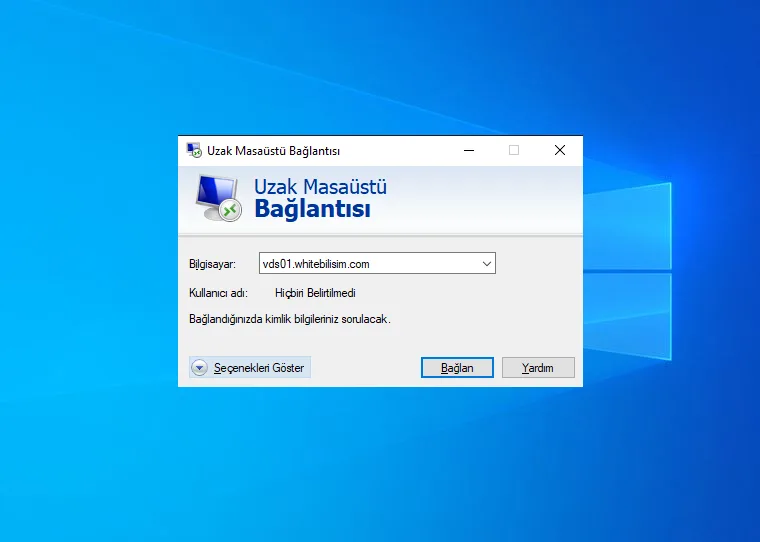
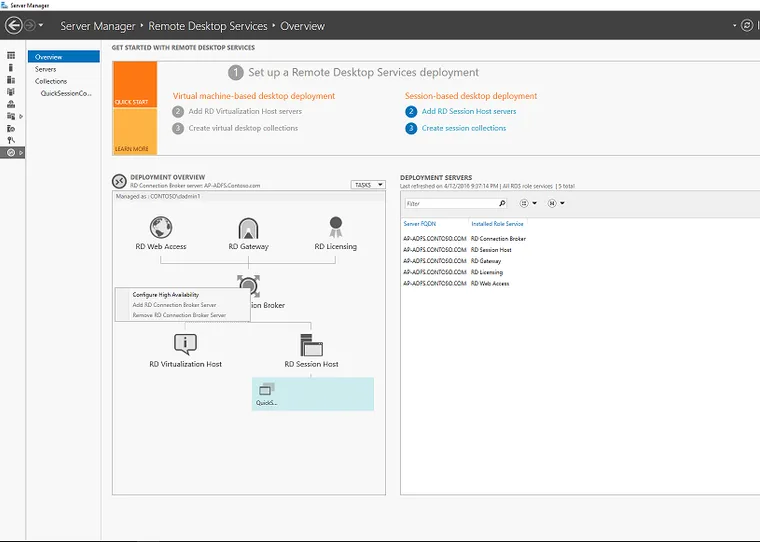
Connecting to a server over remote desktop from a laptop

Connecting

The same server from every device

You connect with the built-in Windows Remote Desktop client (mstsc), and Microsoft Remote Desktop apps exist for macOS, iOS and Android. Your IP address is static, so your connection details never change. On day one we recommend moving the remote desktop port off the default 3389 and setting a strong password.

An administrator-level server running your own applications

Full control

You write the install list

The server is yours, so nobody has a say in what runs on it: IIS and .NET, MSSQL, an accounting client, browser automation, scheduled tasks. There is no per-user or per-application charge; what you pay for is hardware. Firewall rules, user accounts and reboots are all in your hands.

A server that stays on after you shut your own computer down

Infrastructure

Istanbul location, always on

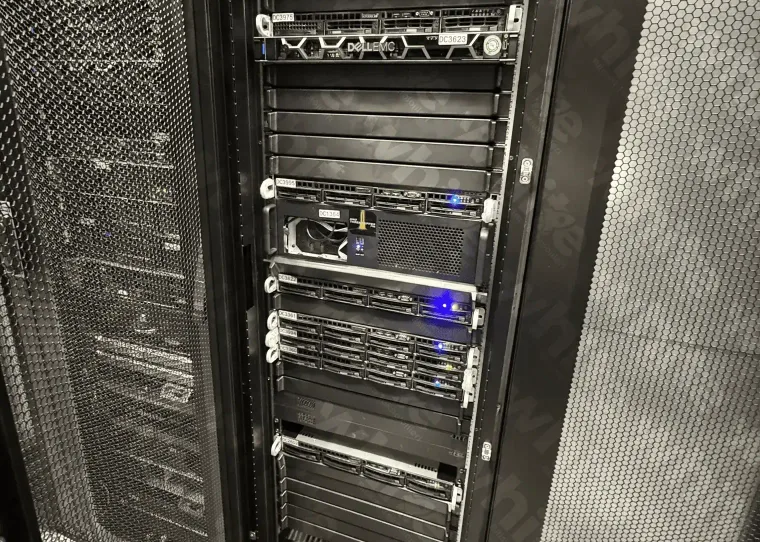
The servers sit in the Datacasa data centre in Istanbul on redundant power and network. A 10 Gbps uplink, DDR4 ECC memory, NVMe SSD storage and DDoS protection are standard on every plan. Turn your own computer off and the server keeps running. Remote desktop feels responsive from Turkey; rather than guessing the latency, look at the measurement at the top of this page.

Choosing a plan

Which plan for which workload?

The table assumes a server with Windows installed and accounts for the operating system's own share. If you will run many programs at once, pick one tier higher.

  • ENT-3 Single application · light use
    Hardware
    4 vCPU · 6 GB DDR4 ECC · 60 GB NVMe
    Note
    The 32 GB Microsoft publishes is for Server Core; the desktop edition needs more, and 60 GB leaves room
    Monthly ₺320 Buy now
  • recommended
    ENT-4 Office, browser and a few programs
    Hardware
    6 vCPU · 8 GB DDR4 ECC · 80 GB NVMe
    Note
    Microsoft lists 8 GB of memory for a light single-session workload
    Monthly ₺400 Buy now
  • ENT-6 Always-on services · database
    Hardware
    10 vCPU · 12 GB DDR4 ECC · 120 GB NVMe
    Note
    Microsoft recommends at least 4 GB for SQL Server and more as the database grows
    Monthly ₺640 Buy now
  • PRO-3 Clock-speed sensitive applications
    Hardware
    6 vCPU · 8 GB DDR4 ECC · 80 GB NVMe
    Note
    Premium line based on Ryzen Threadripper PRO
    Monthly ₺800 Buy now
Price display Add or remove VAT and apply the discount rate you have in hand. This is a calculator, not coupon validation.

Every plan includes a 10 Gbps uplink, DDR4 ECC memory and NVMe SSD storage. The Windows installation carries no extra licence fee.

Server options

Two options for Windows

The Xeon Enterprise line is enough for most Windows servers. For clock-speed sensitive applications the Premium line makes a clear difference.

Common questions

Windows VDS FAQ

Start your Windows server

Pick the build and the server arrives with administrator access. Use code W10 for 10% off your first order.

Need Help? Get in Touch!

Our support team is here to assist you with any questions or issues you may have. Contact us via phone, email, or visit our office during business hours.

Contact Us
ENT-4₺400
Deploy now