High single-core performance
Simulation that holds up in large bases
The clock speed of Ryzen Threadripper PRO 5975WX keeps wide build clusters and busy bases simulating smoothly. We prefer to give you faster cores rather than more slow ones.
Some systems are having problems. Open the status page
Resources that keep up as your world grows, on fully accessible servers in Istanbul.


A fresh Valheim server is surprisingly light. The real question appears months later: every explored region is added to the world file, and every structure and dropped item holds memory. Even on a five-player server the world file reaches hundreds of megabytes and memory use climbs well past week one.
On the server side clock speed decides. Iron Gate publishes no hardware requirement for the server. In our own operation stutter in large bases and dense build clusters is smaller on high frequency processors.
Third are backups. Valheim saves regularly and keeps previous saves with an `.old` extension, but that alone is not a backup strategy. A corrupted world file means losing months of progress, so external backups are essential.
Setup guide How to Set Up a Valheim Server on a Linux VDS

The clock speed of Ryzen Threadripper PRO 5975WX keeps wide build clusters and busy bases simulating smoothly. We prefer to give you faster cores rather than more slow ones.

Valheim writes the world to disk at intervals and that file keeps growing. On enterprise NVMe SSD the save is short enough that players never feel it, and backups benefit from the same speed.
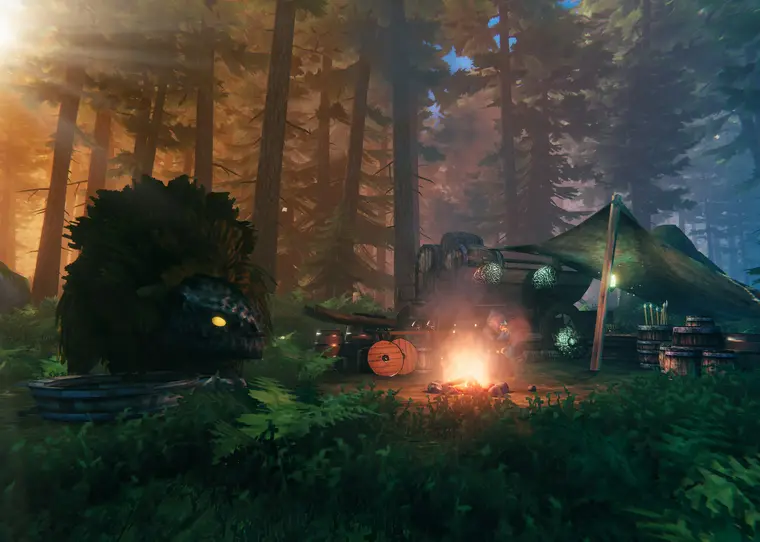
Connect as root, install BepInEx, add mod packs such as Valheim Plus and edit server settings freely. No panel restrictions, no mod approval, no slot limits.
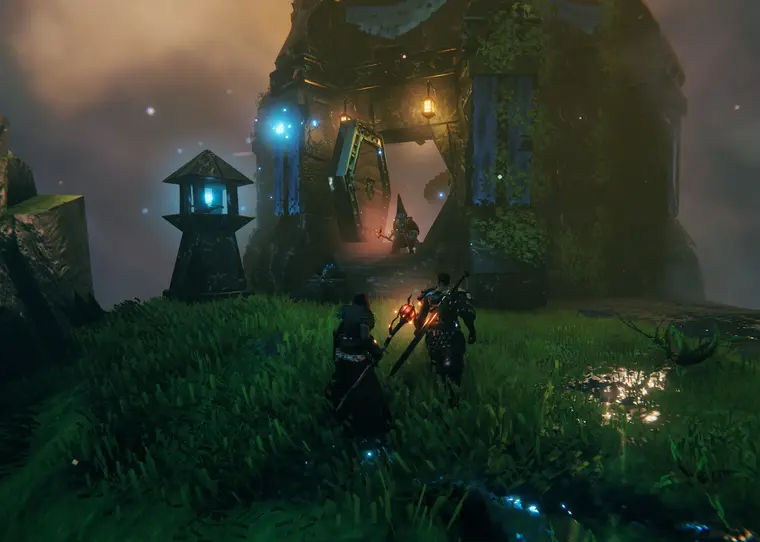
Protection is spread across several layers rather than one appliance: volumetric traffic is absorbed upstream on the 10 Tbps capacity built with Aurologic and GibirNet, and what is left is filtered inside our own network by MikroTik devices, XDP-based packet filtering and rule sets we develop in house. Included with every plan; we do not null-route your IP or charge extra during an attack.
The table assumes vanilla or lightly modded play. For comprehensive mod packs such as Valheim Plus, pick one tier higher.
| Server scale | Plan | Hardware | Monthly | Note | Order |
|---|---|---|---|---|---|
| 2-5 players · new world | PRO-2 | 4 vCPU · 6 GB DDR4 ECC · 60 GB NVMe | ₺600 | Plenty for small friend groups | Buy now |
| 5-10 players recommended | PRO-3 | 6 vCPU · 8 GB DDR4 ECC · 80 GB NVMe | ₺800 | The recommended standard setup | Buy now |
| 10+ players · modded | PRO-5 | 10 vCPU · 12 GB DDR4 ECC · 120 GB NVMe | ₺1.200 | Headroom for BepInEx mod packs | Buy now |
| Long-lived world | PRO-6 | 12 vCPU · 16 GB DDR4 ECC · 160 GB NVMe | ₺1.600 | For a world file that grows for months | Buy now |
Every plan includes a 10 Gbps uplink, DDR4 ECC memory and NVMe SSD storage. Upgrade any time.
Not sure which plan to pick? Enter your game and expected concurrent player count in the Plan Finder and it points at the matching plan. Open the Plan FinderBecause higher frequency makes a difference in our own measurements, we recommend the Premium line. Small and new worlds run fine on the Economic line.
A selection of technical articles from our blog.
Install a Valheim dedicated server on a Linux VDS with SteamCMD. Launch parameters, ports, BepInEx mod setup and world save backups.
A guide to picking the best VDS for your game server. Ideal hardware specs for FiveM, Minecraft, Rust and MTA, location choice and a performance comparison.
Build a real backup routine on a Linux VDS: bash scripts, database dumps, incremental rsync, cron scheduling, offsite copies and restore verification.
Common questions
Your server is ready within 60 seconds of payment. Use code W10 for 10% off your first order.
Our support team is here to assist you with any questions or issues you may have. Contact us via phone, email, or visit our office during business hours.