Latency Do not guess your ping, measure it Our servers are in the Istanbul location. The value here is not taken from a table; it is measured from your own connection right now.
WB-IST-1 Live Connectionmeasuring

What a Linux VDS is, and who it suits

A Linux VDS is a machine running on a physical server in a data centre with its own Linux installation, its own IP address and processor, memory and disk resources allocated to you. That is where it parts ways with shared hosting: you can load kernel modules, write your own services and open whatever port you need. You reach the machine over SSH and work straight from the command line.

If the same job also runs on Windows, Linux will usually do it with fewer resources. It draws no desktop, so the memory and disk it claims for itself stay small and the same plan carries more work. That is why most jobs that need no screen live on Linux: web servers, databases, APIs, Docker, game servers, bots and scheduled tasks.

The choice of distribution usually follows the documentation of the software you are running. Ubuntu and Debian have wide package repositories and most projects write their install instructions for those two. AlmaLinux and Rocky Linux are binary compatible with RHEL, which is what enterprise software tends to support. We keep CentOS for people migrating an older install. Whichever you pick, the price is the same; what you pay for is the hardware.

Setup guide How to Install and Use Docker on a VDS: Beginner Guide
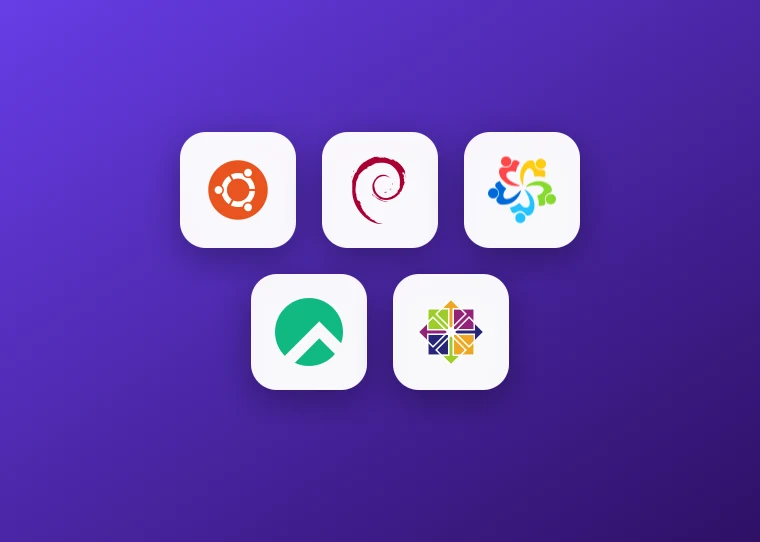
Available Linux distributions: Ubuntu, Debian, AlmaLinux, Rocky Linux and CentOS

Choosing a distribution

You decide which Linux gets installed

You pick the distribution when ordering: Ubuntu (25.04, 24.04, 22.04, 20.04, 18.04), Debian (13, 12, 11, 10), AlmaLinux (9, 8), Rocky Linux 8 and CentOS (10, 9, 8, 7) are all on the ready-made list. If you would rather have a web panel, there are images with cPanel or Plesk on AlmaLinux 9. To switch to a different distribution later, you can reinstall it yourself from the panel.
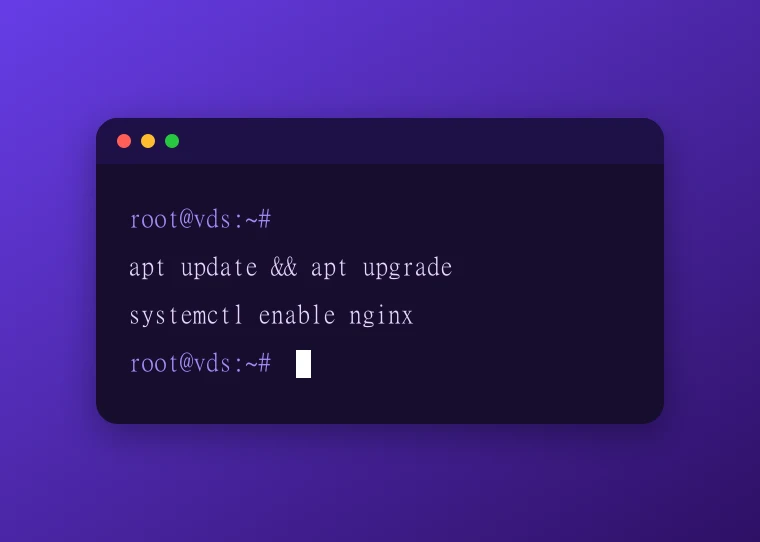

Linux server terminal reached over SSH with root access

Root access

The machine is yours, no waiting on sudo

The server arrives with root access. Installing packages, writing services, changing kernel parameters, adding firewall rules and opening ports need nobody's permission. You connect over standard SSH; we suggest moving to key-based authentication and disabling password login on day one. Your IP address is static, so your connection details do not change.

Panel screen for reinstalling and managing the server

Panel

Reinstall without waiting for support

If you break something you do not have to open a ticket and wait in line: you can reinstall it yourself from the panel. Pick the distribution, start the install, and carry on with a clean machine a few minutes later. The same panel lets you reboot the server, reach the console and watch resource usage.
Server running on redundant power and networking in an Istanbul data centre

Infrastructure

Istanbul location and uninterrupted operation

The servers run in the Datacasa data centre in Istanbul on redundant power and redundant networking. 10 Gbps connectivity, DDR4 ECC memory, NVMe SSD storage and DDoS protection are standard on every plan. When you turn your own computer off, the server keeps running. Rather than guessing the latency from Turkey, look at the measurement at the top of this page.

Choosing a plan

Which plan for which job?

The table assumes a server running Linux. Because Linux draws no desktop, the share the operating system takes for itself is small, so the same hardware carries more work than it would under Windows.

  • ENT-1 A single service · bot, cron, small API
    Hardware
    2 vCPU · 2 GB DDR4 ECC · 30 GB NVMe
    Note
    On a distribution without a desktop, 2 GB of memory is comfortable for one service
    Monthly ₺160 Buy now
  • recommended
    ENT-3 Web server and database
    Hardware
    4 vCPU · 6 GB DDR4 ECC · 60 GB NVMe
    Note
    With Nginx, PHP and MySQL running together, 6 GB leaves room to breathe
    Monthly ₺320 Buy now
  • ENT-5 Several containers with Docker
    Hardware
    8 vCPU · 10 GB DDR4 ECC · 100 GB NVMe
    Note
    Every container wants its own memory; as the count grows, memory becomes the real limit
    Monthly ₺480 Buy now
  • PRO-3 Clock-speed sensitive work
    Hardware
    6 vCPU · 8 GB DDR4 ECC · 80 GB NVMe
    Note
    The Premium line built on Ryzen Threadripper PRO
    Monthly ₺800 Buy now
Price display Add or remove VAT and apply the discount rate you have in hand. This is a calculator, not coupon validation.

10 Gbps connectivity, DDR4 ECC memory and NVMe SSD storage are standard on every plan. The distribution you choose does not change the price.

Server options

Two options for Linux

The Xeon Enterprise line is enough for most Linux servers. For clock-speed sensitive work the Premium line makes a clear difference.

What people ask

Frequently asked questions about Linux VDS

Start your Linux server

Pick the distribution and the server arrives with root access. Use code W10 for 10% off your first order.

Need Help? Get in Touch!

Our support team is here to assist you with any questions or issues you may have. Contact us via phone, email, or visit our office during business hours.

Contact Us
ENT-3₺320
Deploy now