
Windows VDS Remote Desktop Security: A 7 Step Checklist
An exposed RDP port is scanned within minutes. Change the port, restrict by IP, enable NLA and set a lockout policy with these seven PowerShell steps.
4 min read
Some systems are having problems. Open the status page
Stay updated with the latest news, tips, and insights about hosting services, server management, and technology trends on our blog.

Showing 41 of 45 articles · Page 2 of 4
An exposed RDP port is scanned within minutes. Change the port, restrict by IP, enable NLA and set a lockout policy with these seven PowerShell steps.
Run MetaTrader 4 and MT5 terminals without interruption on a Windows VDS. Resource planning per terminal, automatic startup, visual effect tuning and security settings.

Keep your Discord bot online around the clock on a VDS: installing Node.js, defining a service with pm2 or systemd, automatic restarts, log management and memory planning.

A guide to setting up a Silkroad Online private server: Windows Server preparation, MSSQL memory limits, database restore, process startup order and port security.

Install a Palworld dedicated server on a Linux VDS with SteamCMD. PalWorldSettings.ini options, ports, automatic restarts and world save backups.

Install an ARK: Survival server on a Linux VDS: launch parameters, GameUserSettings tuning, mod installation and linking maps into a cluster.

Windows Server setup for a Knight Online private server, MSSQL memory limits, the resource profile of the Ebenezer and AIServer processes, and sizing your server by player count.
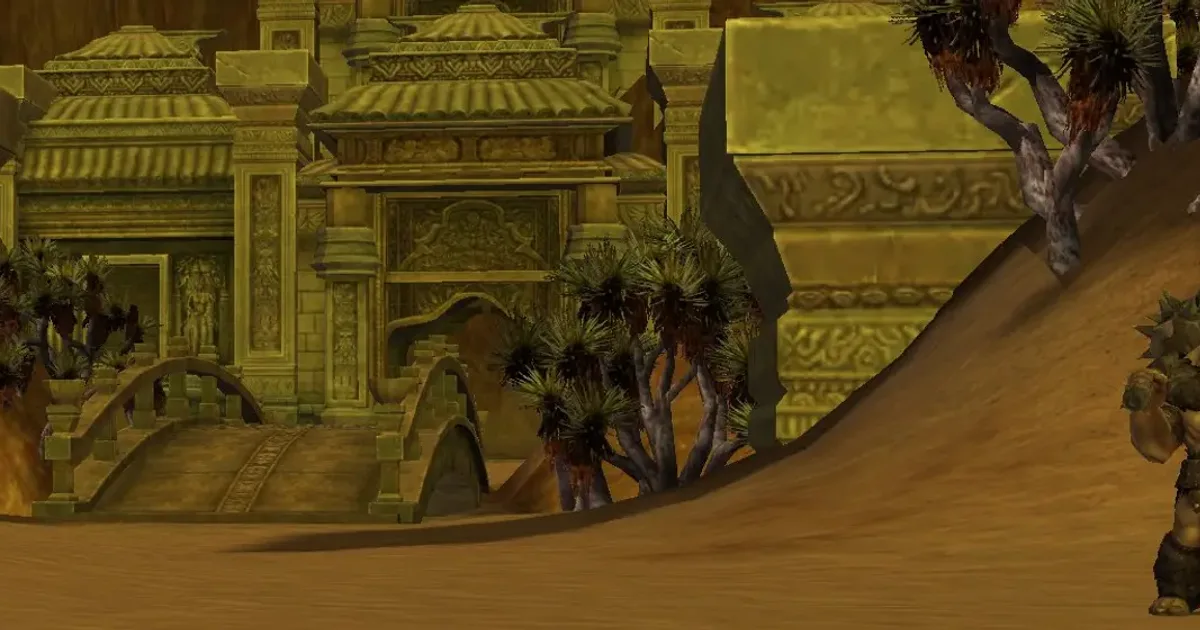
Which FreeBSD version should you pick when setting up a Metin2 private server? A guide to channel architecture, MySQL memory planning, file permissions and sizing server resources by player count.

Install a Counter-Strike 2 server on a Linux VDS with SteamCMD: sub-tick, Metamod:Source and CounterStrikeSharp, ports and several servers on one box.
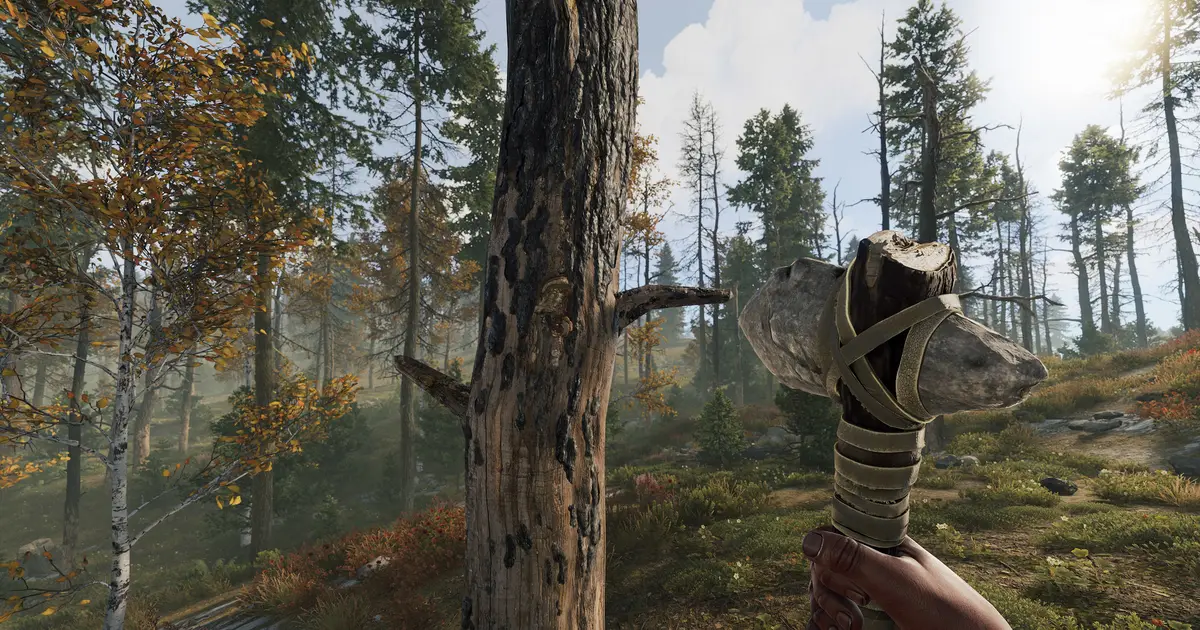
RAM for a Rust server: the 12 GB floor Facepunch publishes, map size and player count, and how memory climbs across the wipe cycle.
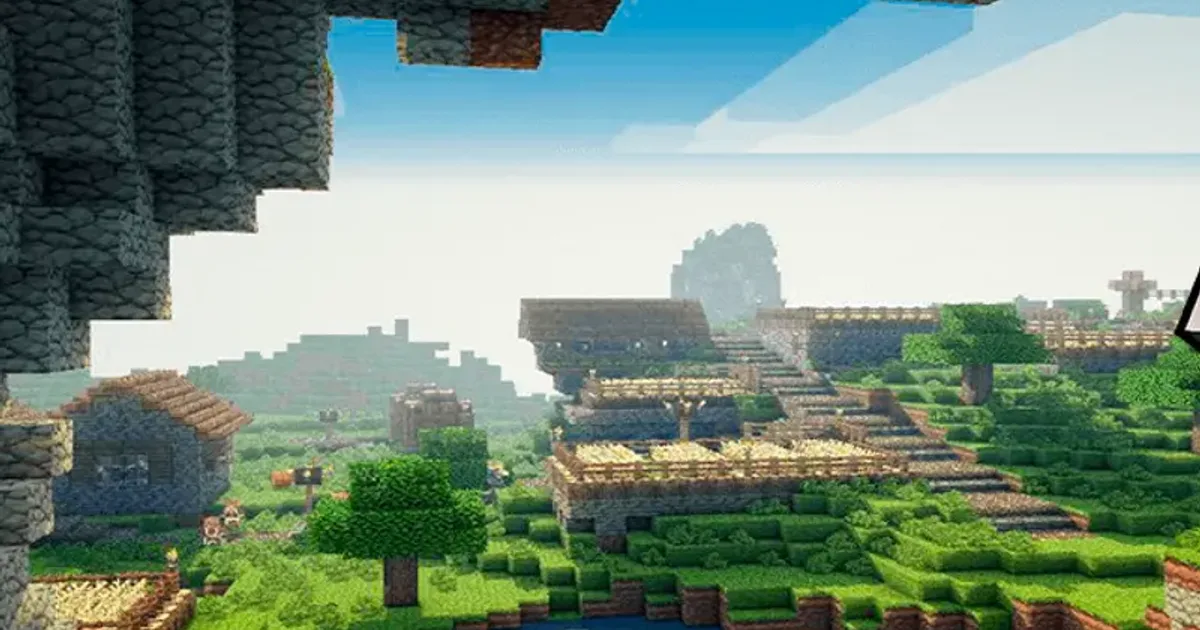
A guide to uploading a custom world to your Minecraft server: downloading maps, uploading over FTP, server.properties settings and world backup routines.
Install a language pack and switch the Windows Server display language using Settings, PowerShell or DISM, including keyboard layout and locale settings.